Know the Workflow
In this section, you'll learn what a workflow is, how to use it, share it, and create your own.
Tapicker is your automation workspace, providing all the essential infrastructure. Workflows are the heart of Tapicker, allowing you to automate the tasks you can imagine. Build it once, use it everywhere, multiple times! You can focus on the benefits of using workflows; understanding the underlying implementation is optional. For advanced users, developing workflows is a flexible and delightful experience.
What is a Workflow?
A workflow outlines the specific steps required to complete a task on a particular website. It's made up of a series of functional blocks and can be tailored to different needs.
Your workflows are securely stored in the cloud, allowing for seamless access and sharing across multiple devices.
Where are Workflows?
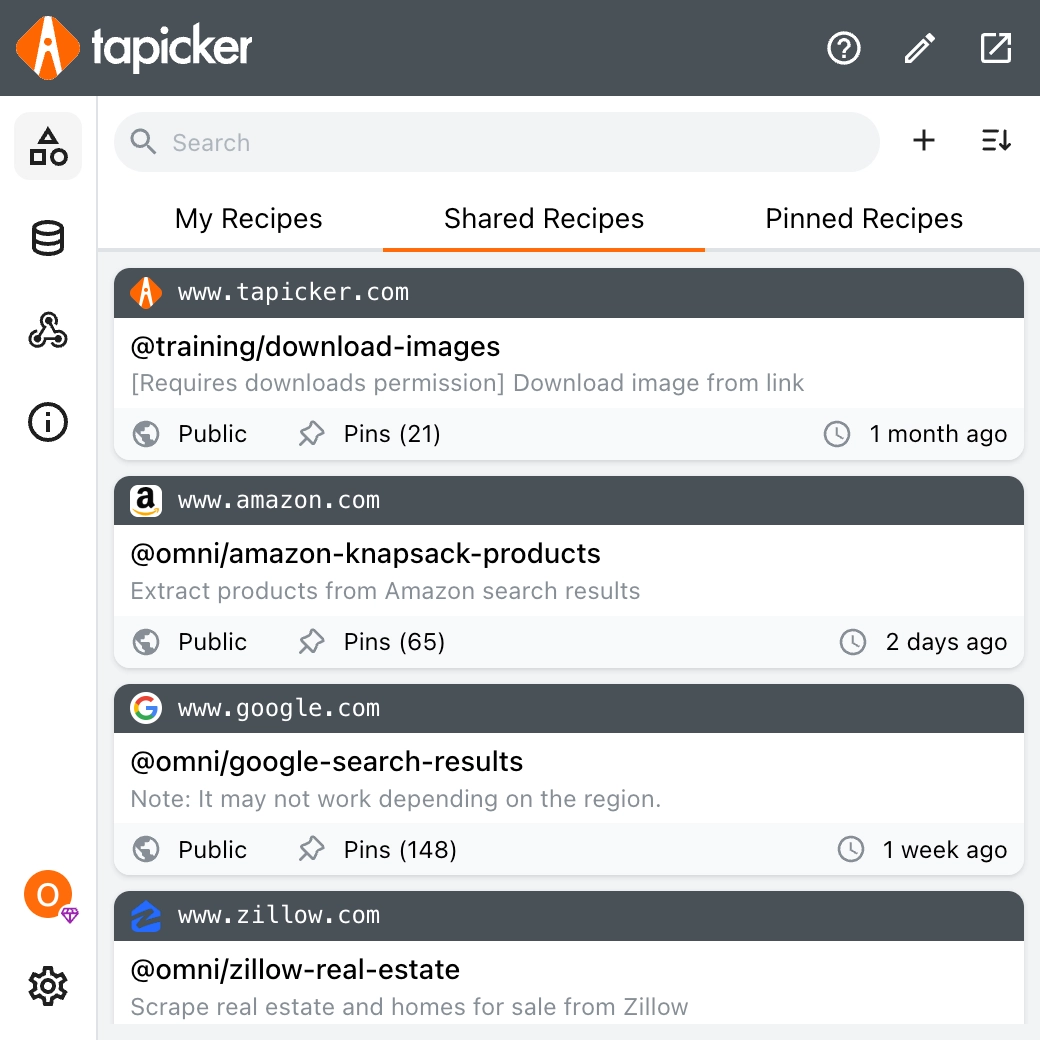
When you first open the dashboard, you'll be greeted by a list of workflows categorized into three main sections: My Workflows, Shared Workflows, and Pinned Workflows.
- My Workflows are those you've created yourself.
- Shared Workflows are workflows that have been made public or shared with you by other users.
- Pinned Workflows are your favorites that you've marked for quick access in next time.
A workflow shared with you can only be used and viewed, you cannot edit it.
Running a Workflow
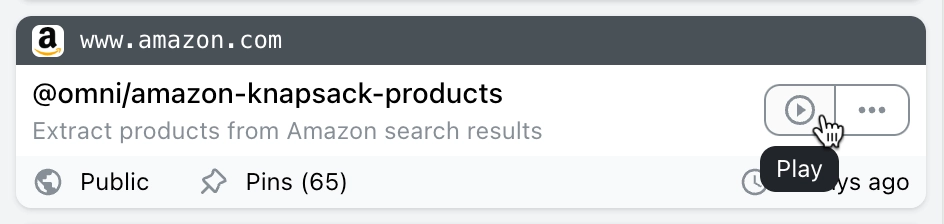
To start a workflow, simply hover your mouse over its card. A play button will appear, ready for you to click.
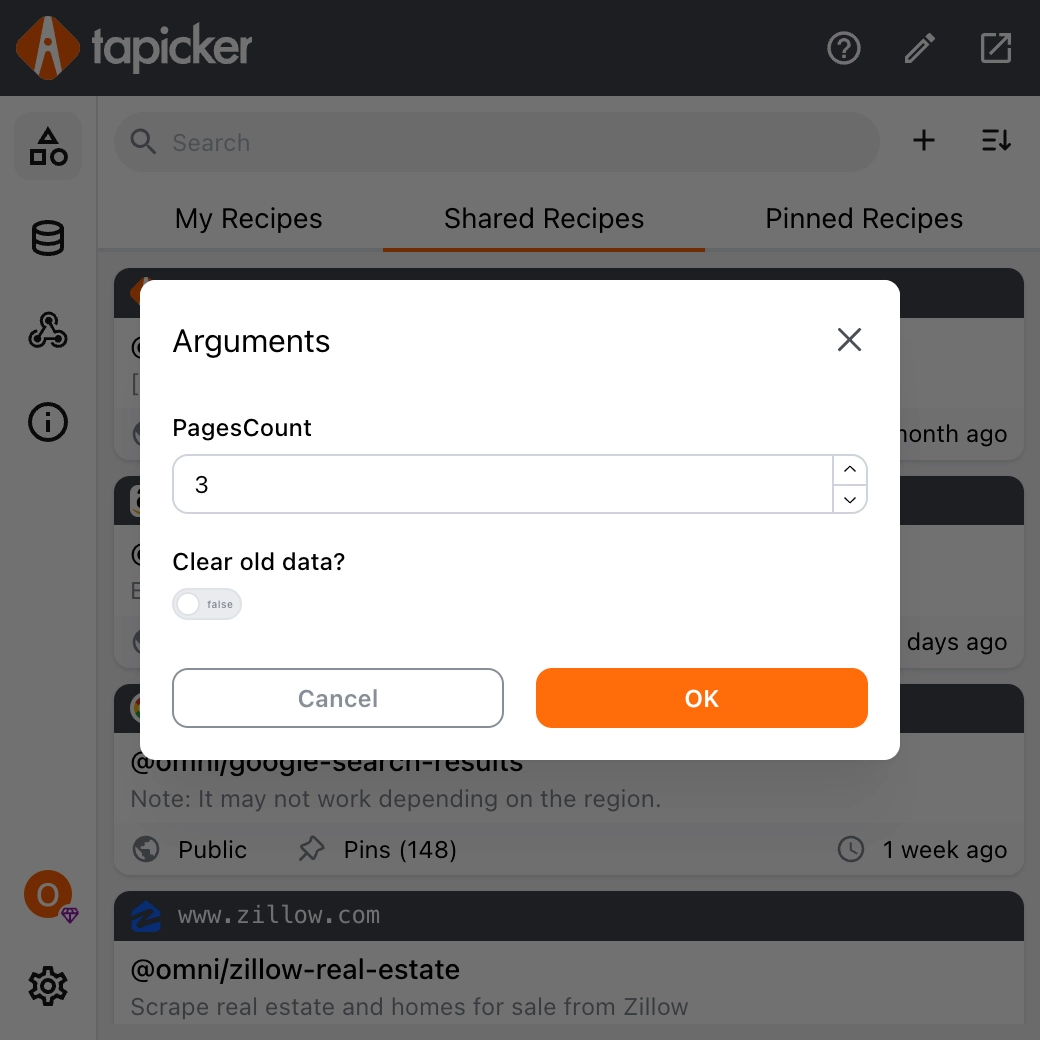
Clicking it will open the parameter panel, which varies depending on the workflow and may not be necessary for some.
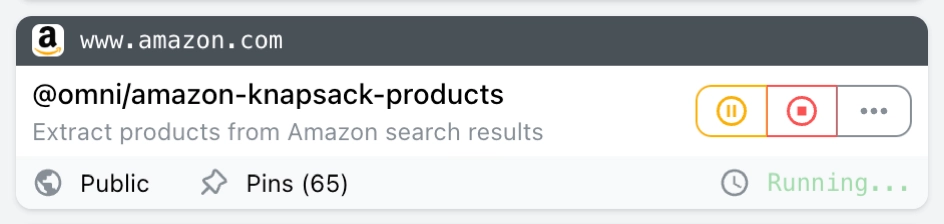
After the workflow is started, its status will become as shown below, and you can pause or stop it if you want.
Sharing a Workflow
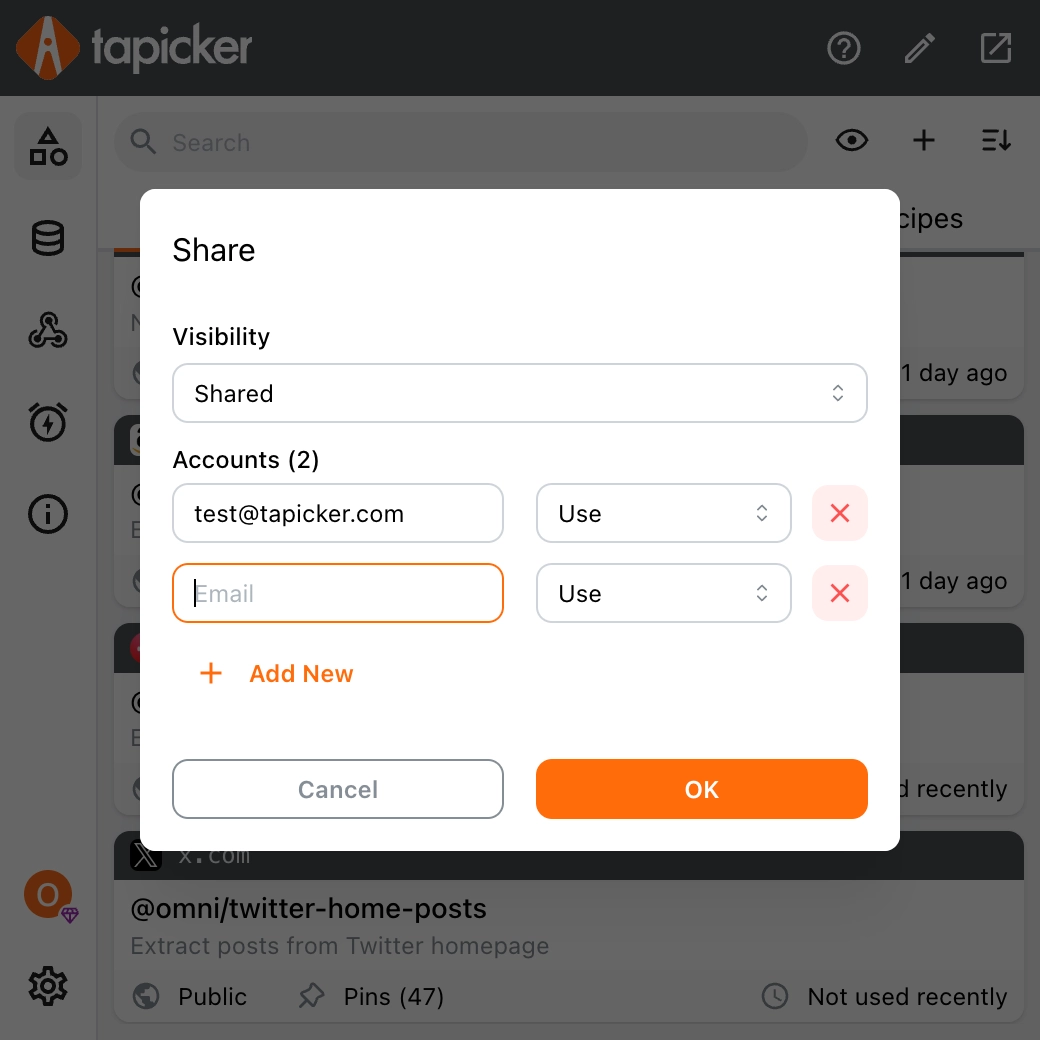
Sharing a workflow is a breeze! You can make it public for all Tapicker users to see, or share it privately with specific users by simply entering their Tapicker email addresses.
Building a Workflow
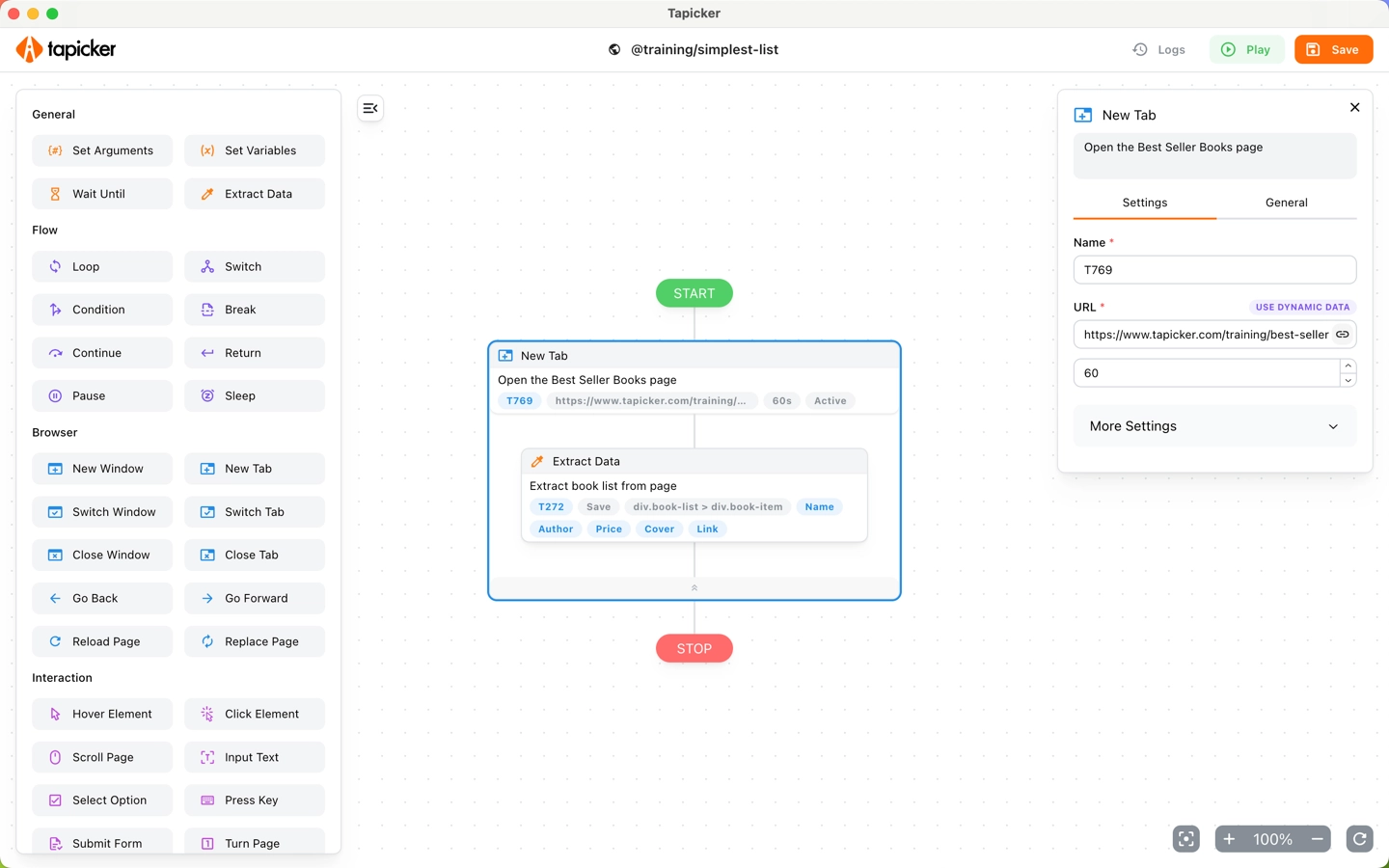
Tapicker provides a user-friendly interface for building workflows. By dragging and dropping various functional blocks, you can easily create customized workflows. Just like playing with building blocks, flexible and varied, with endless possibilities!
Want to get started right away? Go to Create your First Workflow.