Run Workflow
This section explains how to use the Run Workflow block.
Use Cases
The Run Workflow block lets you run one workflow inside another, giving your workflow modularity and reusability.
When a workflow becomes too complex, you can split certain steps into sub-workflows. This keeps your main workflow clean, simple, and easier to maintain.
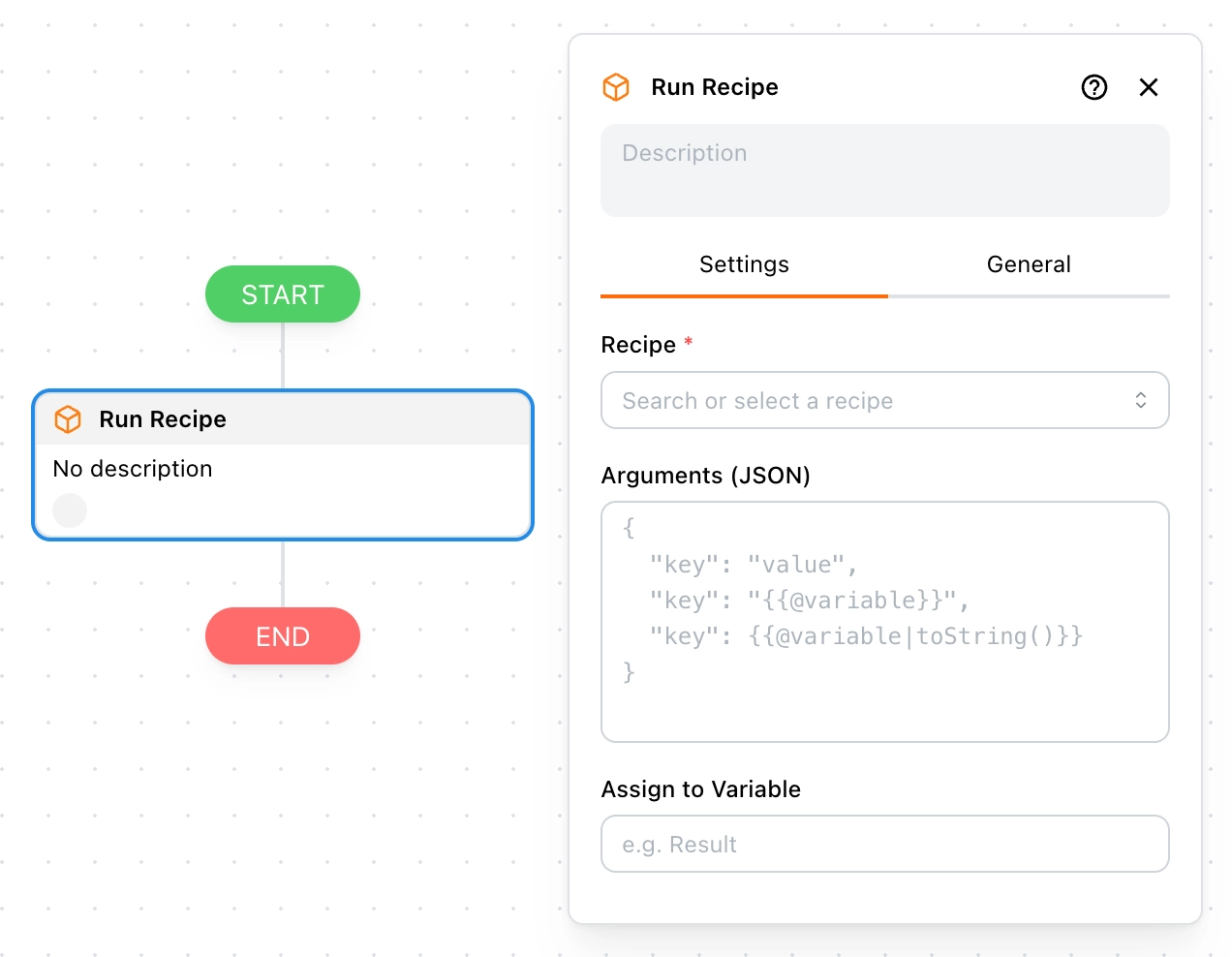
Example:
A common use case is when you have two workflows:
- product-details – extracts product details, and can also be used on its own
- product-list – extracts a list of products
When you want to automatically open each product’s detail page from the list and extract data, you can simply use the Run Workflow block inside product-list to run product-details. This way, you avoid rebuilding the same steps and keep your workflow much cleaner.
Workflow
Here you can select which workflow to run. You can choose from the workflows you created or those shared with you.
Arguments
These are the input parameters for the workflow, written in JSON format.
When you pick a workflow, its most recent arguments will be filled in automatically. You can then adjust them as needed.
You can also use Template Syntax to dynamically reference variables and build the final parameters.
Assign to Variable
You can assign the return value of a sub-workflow to a variable. For this to work, the sub-workflow must use the Return block at the end to send back data.
For example, suppose a sub-workflow returns the following data:
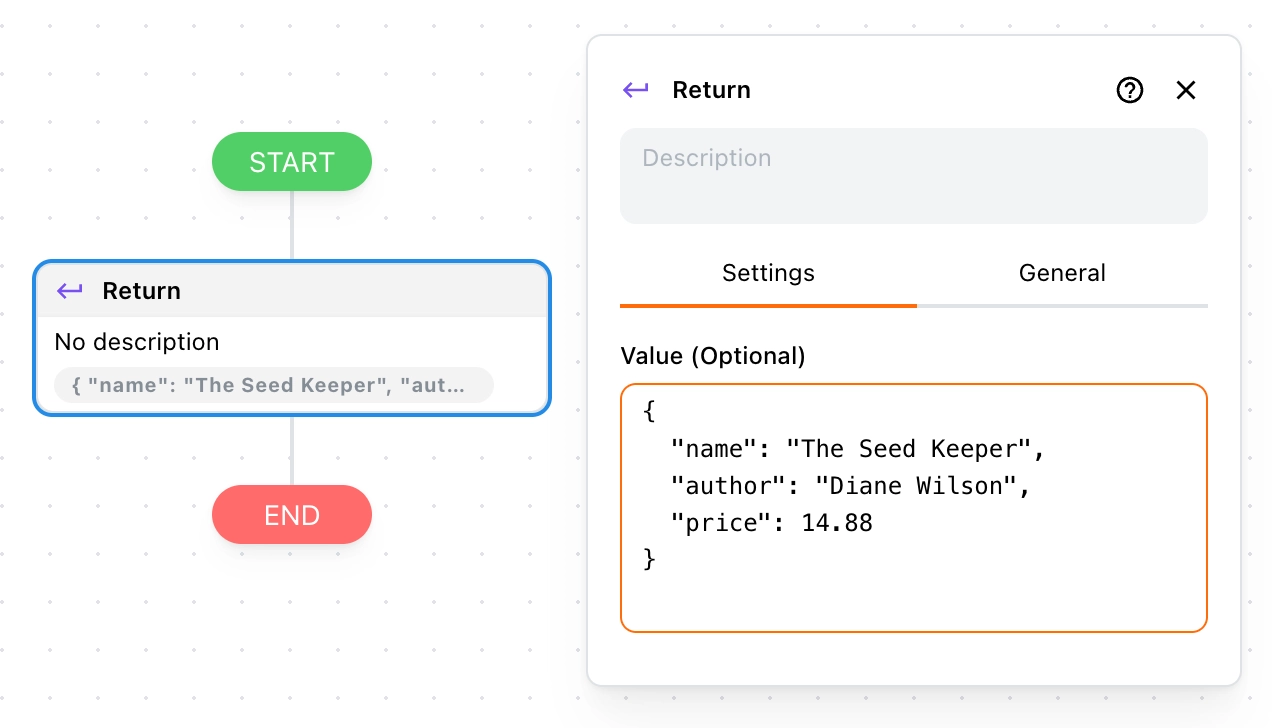
In the main workflow, if you assign it to a variable named result, you can access the data with {{$vars.result}}:
{
  "name": "The Seed Keeper",
  "author": "Diane Wilson",
  "price": 14.88
}
And to access just the name field, use:
{{$vars.result.name}} // The Seed Keeper